Uncategorized

Microsoft Dynamics 365 Business Central

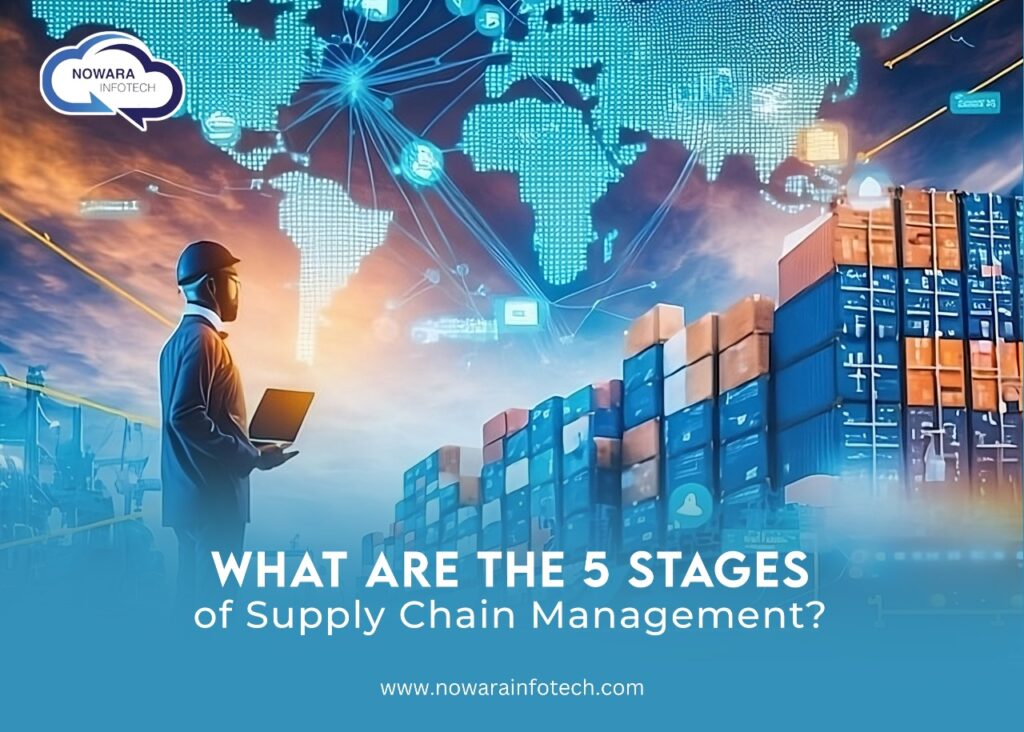
Understanding the Five Stages of Supply Chain Management

Supply Chain Management (SCM) is a crucial aspect of modern business operations, ensuring that products move efficiently from production to the consumer. Effective SCM can reduce costs, increase efficiency, and improve customer satisfaction. The SCM process built on Microsoft Dynamics 365 Business Central is typically divided into five key stages: Plan, Source, Make, Deliver, and Return. This article delves into these stages, highlights examples, and underscores the importance of SCM. 1. Plan Planning is the initial stage of SCM and involves strategizing the entire supply chain process. It requires a comprehensive understanding of market demand, resource availability, and logistical capabilities. Effective planning ensures that resources are utilized optimally, and potential disruptions are anticipated and mitigated. Example: A company manufacturing smartphones must forecast demand accurately to ensure they have enough components, such as chips and screens, to meet production schedules without incurring excess inventory costs. 2. Source The Sourcing stage for supply chain management involves procuring the necessary materials and services to produce the final product. This includes selecting suppliers, negotiating contracts, and managing supplier relationships. Sourcing aims to obtain quality materials at the best price and within the required timeframe.  Example: An automobile manufacturer sourcing steel, rubber, and electronics from various suppliers globally needs to ensure that these materials meet quality standards and are delivered on time to maintain production schedules. 3. Make The Making stage is the actual production phase where raw materials are transformed into finished products. This stage encompasses all activities involved in production, such as manufacturing, testing, packaging, and quality control. Example: A clothing company designs, cuts, sews, and finishes garments. This stage includes ensuring that the products meet quality standards and are ready for distribution. 4. Deliver The Delivering stage involves the logistics of getting the finished product to the customer. This includes order management, warehousing, and transportation. Effective delivery systems ensure that products reach customers in a timely and efficient manner. Example: An e-commerce company managing a vast distribution network must ensure that products ordered online are packed, shipped, and delivered to customers swiftly and accurately. 5. Return The Return stage handles the reverse logistics of the supply chain, dealing with returned products. This could include returns due to defects, excess inventory, or recycling and disposal. Managing returns efficiently is crucial for maintaining customer satisfaction and minimizing costs. Example: A consumer electronics company needs a streamlined process for handling returns of defective products, ensuring replacements or refunds are processed quickly to maintain customer trust. The Importance of Supply Chain Management For Your Business: Cost Reduction: By optimizing the supply chain, companies can reduce costs associated with production, transportation, and storage. Efficiency: Streamlined supply chains improve overall efficiency, reducing the time it takes to move products from production to the consumer. Customer Satisfaction: Efficient SCM ensures that customers receive products on time and in good condition, enhancing customer satisfaction and loyalty. Risk Management: SCM helps companies anticipate potential disruptions and develop contingency plans, minimizing the impact of unexpected events. Competitive Advantage: Companies with effective SCM can respond more quickly to market changes and customer demands, gaining a competitive edge. Role of Supply Chain Management in your industries The role of SCM is to oversee and manage the entire flow of goods, information, and finances involved in the production and distribution process. SCM ensures that every aspect of the supply chain operates smoothly and efficiently, from the initial planning stages to the delivery and return of products. It involves coordinating with various departments and stakeholders, including suppliers, manufacturers, logistics providers, and customers. Nowara Infotech: Your Partner in Excellence for SCM For businesses looking to enhance their SCM processes, Nowara Infotech offers the best ERP solutions built on Microsoft Dynamics 365 Business Central and LS Central. As a Microsoft partner, Nowara Infotech provides cutting-edge technology and expertise to streamline your supply chain operations, reduce costs, and improve efficiency. With a global presence, Nowara Infotech is committed to helping businesses achieve their SCM goals and drive success. Contact Nowara Infotech today to learn how our ERP solutions can transform your supply chain management and propel your business forward.
How to Upgrade from Dynamics NAV to Business Central

Seamless Transition: How to Upgrade from Dynamics NAV to Business Central

Upgrading from Microsoft Dynamics NAV to Dynamics 365 Business Central can significantly enhance your business operations, providing more efficient processes, better integration, and advanced functionalities. How to Upgrade from NAV to Business Central? Upgrading involves careful planning and execution of the five steps mentioned above: licensing, setup and configuration, data migration, integrations, and training and support. Each step is crucial to ensure a smooth transition and to maximize the benefits of the new system.  Here’s a detailed guide on how to manage this seamless transition from NAV to BC in five steps. Step 1 – Licensing The first step in upgrading from Dynamics NAV to Business Central is understanding the new licensing requirements. Business Central operates on a subscription-based licensing model, which differs from the perpetual licensing model used in NAV. This model offers flexibility and scalability, allowing businesses to pay for only what they use. It is crucial to analyze your current NAV licenses, identify the equivalent Business Central licenses, and ensure you comply with the new licensing terms. This step often involves working closely with a Microsoft Partner to get accurate information and the best pricing. Step 2 – Setup and Configuration Once the licensing is sorted, the next step is setting up and configuring Business Central. This involves installing the new system, setting up the environment, and configuring it to match your business needs. You need to map out your business processes and workflows to ensure that they align with the capabilities of Business Central. This step may also include customizing certain features to suit your specific requirements. It is essential to involve your IT team and key stakeholders in this process to ensure the new system is set up correctly and meets all business requirements. Step 3 – Data Migration Data migration is a critical step in upgrading from NAV to Business Central. It involves transferring all your existing data, including customer information, financial records, inventory details, and other essential business data, to the new system. This process must be handled carefully to avoid data loss or corruption. Begin by performing a thorough data audit to clean up any redundant or outdated information. Next, use migration tools and services provided by Microsoft or your ERP partner to ensure a smooth transition. It’s recommended to run a few test migrations before the final move to identify and resolve any potential issues. Step 4 – Integrations Modern businesses rely on various applications and services to operate efficiently. Ensuring that Business Central integrates seamlessly with your existing systems is crucial. This includes integrating with your CRM systems, e-commerce platforms, third-party applications, and other business tools. Business Central offers extensive integration capabilities, making it easier to connect with other Microsoft products and external services. Your ERP partner can help configure these integrations to ensure smooth data flow and interoperability between systems. Step 5 – Training and Post-Migration Support Once the new system is up and running, it’s time to train your staff. Proper training ensures that your team can effectively use Business Central’s features and functionalities. Develop a comprehensive training plan that includes hands-on sessions, user manuals, and ongoing support. Additionally, post-migration support is vital to address any issues that arise after the transition. Having a dedicated support team or partner ensures that any problems are quickly resolved, allowing your business to continue operating smoothly. Major Benefits of Upgrading from Dynamics NAV to Microsoft Dynamics 365 Business Central What is the Difference Between NAV and BC? Dynamics NAV and Business Central differ in terms of licensing, deployment options, and user interface. Business Central is more modern, cloud-based, and offers enhanced features like AI-driven analytics and improved integration capabilities, making it more suitable for today’s business needs. Why Upgrade from Dynamics NAV to Business Central? Upgrading from Dynamics NAV to Dynamics 365 Business Central offers numerous advantages that can significantly improve your business operations. Here are the major points: Modern Interface: Business Central provides a more intuitive and user-friendly interface compared to NAV. Improved Accessibility: Access your data and applications from anywhere with Business Central’s cloud capabilities. Flexible Licensing: Business Central’s subscription-based model allows you to scale your operations as needed without overcommitting on licenses. Adaptability: Easily adapt to changing business requirements with scalable features and integrations. Built-In AI: Utilize AI-driven insights and analytics to make more informed business decisions. Comprehensive Reporting: Generate detailed reports with enhanced data visualization tools for better strategic planning. Anywhere Access:  After migrating from NAV to BC Benefit from cloud accessibility, enabling remote work and access from any device. Regular Updates: Receive automatic updates and new features without the need for manual upgrades or maintenance. Microsoft Ecosystem: Seamlessly integrate with other Microsoft products such as Office 365, Power BI, and Azure for a unified business environment. Third-Party Integrations: Easily connect with third-party applications to streamline your operations and enhance productivity. Enhanced Security: Benefit from Microsoft’s robust security measures, ensuring your data is protected. Regulatory Compliance: Stay compliant with industry standards and regulations more easily through built-in compliance features. Reduced IT Costs: Minimize the need for extensive on-premises infrastructure, reducing overall IT costs. Operational Efficiency: Streamline processes and reduce manual errors, leading to cost savings and increased efficiency. Future-Ready: Stay ahead with continuous innovation and improvements in Business Central. Evolving Features: Take advantage of new features and capabilities that are regularly added to Business Central. By upgrading to Business Central, you not only modernize your business operations but also position your company for future growth and success. The transition offers enhanced functionality, greater flexibility, and improved efficiency, making it a worthwhile investment for any business looking to stay competitive in today’s fast-paced market. Contact Nowara Infotech, as a certified Microsoft partner, Nowara Infotech provides the best ERP solutions and ensures a seamless upgrade process from NAV to Business Central. Trust us for hassle-free implementation and continuous support to drive your business forward.

inventory ERP software solutions

How Inventory ERP Software Simplifies Complex Processes

Inventory management refers to the process of overseeing and controlling a company’s inventory levels, including the storage, monitoring, and movement of goods or materials. It encompasses various activities such as ordering, storing, tracking, and managing inventory to ensure optimal levels are maintained to meet customer demand while minimizing costs and maximizing efficiency. Consider this around 74% of businesses have encountered delays in shipments, while 48% are reassessing warehouse locations due to shifting trade patterns. Moreover  72% of retailers are gearing up to transform their supply chains with real-time visibility enabled by automation and analytics. Additionally, a staggering 85% of distributors in the chemical industry have reported out-of-stock shortages. These figures highlight the critical role of  inventory management ERP systems in addressing complex challenges and driving business success. The benefits of the ERP inventory management module include: What are the 4 types of inventory management systems? Best ERP for inventory management: Microsoft 365 Business Central Microsoft 365 Business Central stands out as one of the best ERP solutions for inventory management. With its robust features and seamless integration capabilities, Business Central offers businesses a comprehensive solution for managing their inventory operations effectively. From inventory tracking and replenishment to demand forecasting and reporting, Business Central provides businesses with the tools they need to optimize their inventory processes and drive growth. How can ERP applications improve inventory management? ERP applications can improve inventory management by automating manual processes, providing real-time visibility into inventory levels, optimizing inventory turnover, and enabling better decision-making through advanced analytics and reporting capabilities. By streamlining inventory operations and reducing manual errors, ERP applications help businesses improve efficiency, reduce costs, and enhance overall productivity. Nowara Infotech: Your Certified Partner for Microsoft ERP Solutions ERP applications play a crucial role in improving inventory management by providing businesses with enhanced accuracy, visibility, and efficiency in their inventory operations. With real-time insights into inventory levels, streamlined procurement processes, and optimized inventory levels, ERP systems enable businesses to meet customer demand effectively while minimizing carrying costs and maximizing productivity.  As a certified partner of Microsoft and a leading provider of ERP solutions, Nowara Infotech offers businesses cutting-edge software solutions tailored to their specific needs. With expertise in implementing and customizing Microsoft 365 Business Central, Nowara Infotech helps businesses streamline their inventory management processes and unlock their full growth potential. Overall, transitioning from manual to automated inventory management processes is essential for modern businesses looking to stay competitive in today’s market. By leveraging advanced inventory ERP software solutions, businesses can optimize their inventory operations, improve efficiency, and drive sustainable growth. With the right technology partner like Nowara Infotech, businesses can embark on their journey towards digital transformation and unlock new opportunities for success.

financial management tools

What are the functions of finance and operations in Dynamics 365? (Comprehensive Guide)

30% of organizations are choosing ERP software to manage their financial management, as revealed by Zipdo’s 2023 report. Moreover, Softwarepath’s 2022 findings emphasize that over 30% of businesses are adopting ERP systems to propel growth. These figures underscore the critical role ERP solutions play in navigating the dynamic terrain of modern business, enhancing financial practices, and driving organizational expansion. If you are among those seeking the best ERP software for financial services or a robust finance ERP solution, read on to discover how Dynamics 365 Finance and Operations can transform your financial management processes. Understanding Dynamics 365 Finance and Operations Dynamics 365 Finance and Operations is a powerful ERP solution that helps businesses streamline financial management and operational processes. It offers a wide range of integrated applications and modules to optimize finances, automate tasks, and drive growth effectively. But there must be some questions running into your mind as mentioned below: What Are the Functions of Finance and Operations in Dynamics 365? The Financial Management module within Dynamics 365 Finance and Operations provides the cornerstone for efficient financial tracking and decision-making. By offering core bookkeeping functions to monitor income, expenses, assets, and liabilities accurately, it catalyzes informed strategic planning and future-proof financial management. What Is D365 Finance and Operations Used For? With Dynamics 365 Finance and Operations, organizations can streamline and automate critical financial processes. From procurement to production and inventory management, this platform offers advanced features and automated workflows to simplify tasks such as expense management, cash and bank management, and cost accounting. By reducing manual efforts, businesses can optimize processes and drive efficiency across the board with finance ERP What Are D365 Finance and Operations Capabilities? One of the key benefits of Dynamics 365 Finance and Operations is its ability to enhance visibility across the entire organization. Through integrated financial management capabilities, business leaders can access valuable data in real time. Comprehensive dashboards and reports provide actionable insights, facilitating better decision-making and driving improved financial performance organization-wide. What Are the Modules in D365 Finance and Operations? In today’s competitive landscape, innovation is essential for staying ahead. Dynamics 365 Finance and Operations empowers organizations with advanced financial modelling capabilities. From budgeting to long-range planning, this platform enables businesses to create sophisticated financial models and forecasts. Leveraging AI and machine learning along with financial management tool, organizations can assess valuation, forecast sales growth, and evaluate the impact of potential business decisions on financial performance. •Financial Management: Core bookkeeping functions for tracking income, expenses, assets, and liabilities. Offers real-time data access and insights for strategic planning.•Procurement and Sourcing: Automates vendor management, purchase requisitions, and orders. Optimizes procurement strategies and ensures timely delivery of goods and services.•Production Control: Manages production planning, scheduling, and execution. Improves manufacturing processes and meets customer demand efficiently.•Inventory Management: Tracks inventory levels, movements, and costs. Provides real-time visibility and facilitates efficient planning and replenishment.•Human Resources: Handles employee management, payroll processing, and talent management. Streamlines HR processes and enhances workforce productivity. The Role of Finance and Operations in Driving Business Growth Dynamics 365 Finance and Operations represent a game-changer for financial management and business growth. With its comprehensive suite of modules and capabilities, it empowers organizations to unlock their full financial potential and drive sustainable success in today’s dynamic business environment.For organizations seeking to leverage the power of Dynamics 365 Finance and Operations, Nowara Infotech stands ready to assist. As a trusted provider of ERP solutions built on Microsoft Dynamics, Nowara Infotech offers comprehensive support and expertise to help organizations harness the full potential of their financial and operational processes along with the best ERP software for financial services. Contact us today to learn more about how Nowara Infotech can drive your business forward. With its proven track record and comprehensive suite of capabilities, it’s the ideal choice for organizations looking to thrive in streamlining the financial sectors.

How To Implement Microsoft Dynamics CRM?

How To Implement Microsoft Dynamics CRM?

Everybody knows how important a strong client relationship is for businesses in this cutthroat, competitive industry. To manage and cultivate such client relationships, Microsoft Dynamics CRM provides a powerful toolkit for successful planning and execution. It shows that over 29,240 companies will be using Microsoft CRM in 2024 to improve their business performance. To develop a healthy relationship with your client and grow your business, you must effectively apply an ERP solution.  With this blog’s help, you can put Microsoft Dynamics CRM into practice and take your customer interactions from transactional to genuinely transformative, realising their full potential. Unleash The Benefits Of Microsoft Dynamics CRM Microsoft Dynamics CRM is software that centralises all your customer information, like contacts, interactions, preferences, etc., which helps create a strong relationship with your clients. It also helps to automate repetitive tasks, nurture leads with targeted campaigns, and close deals faster with intelligent sales tools. In addition, this helps in generating powerful reports and dashboards that unveil customer trends and hidden opportunities. It’s like having a crystal ball for your business, guiding you towards smarter decisions and maximised growth. Your Step-By-Step Guide To Implementing Microsoft Dynamics CRM How you implement Dynamics CRM plays a significant role in its achievement. The following eight actions are necessary for a successful implementation: 1. Establish Your Company’s Requirements (The Blueprint): Just imagine constructing a house without a blueprint. The implementation of CRM is no different. Begin by posing the question: What are the weak places in our customer interactions? What particular objectives do we hope to accomplish, such as a 20% rise in revenue or a 15% improvement in customer satisfaction?  What information, such as client demographics, purchase history, and support requests, do we need to monitor and analyse? Your implementation plan is created by responding to these questions, which guarantees that your CRM works in harmony with your company’s objectives. 2. Select Your Champion (The Ideal Match): Microsoft Dynamics 365 Business provides a range of CRM options, each meeting distinct requirements. Take into account these elements: Size of company: Dynamics 365 Customer Service may be advantageous for small firms, whereas Dynamics 365 Sales Enterprise may be necessary for large corporations. Industry: Tailored functionality is available in industry-specific solutions such as Dynamics 365 for Healthcare or Retail. Budget: The cost varies based on user licences and features. 3. Put Together Your Dream Team Or Avengers: 4. Data Migration: Transferring Precious Items: Imagine moving your entire home without losing everything. The migration of data is comparable. Make a detailed plan: 5. Personalisation: Customising Your CRM: Consider your MS CRM software as an adaptable outfit. Workflows, dashboards, and security settings can be adjusted to meet your unique requirements. Here’s where having your blueprint comes in handy! 6. Empower Users With Your Heroes: Superheroes of all skill levels require training. Provide thorough instruction on the features of the platform, recommended procedures, and designated user responsibilities. Keep in mind that user adoption is essential to success! 7. Check and Proceed: All set to go live! Do extensive testing before releasing your CRM to the public. Before a launch, user acceptance testing, or UAT, assists in finding and fixing any problems. 8. Never Stop Improving:  After launch, your CRM adventure is far from over. Track results, get input from users, and adjust your implementation in light of new information. Remember that optimising the value of your CRM requires constant improvement. Samadhan Microsoft Dynamics CRM: Your Trusted Source  Microsoft Dynamics CRM implementation can be complex. Remember that continuous optimisation, teamwork, and preparation are necessary for a successful implementation. You may build better client interactions, accelerate business growth, and acquire a competitive edge by using Dynamics 365. Consider partnering with a Microsoft Gold Certified Partner, Samadhan. Our expertise can ensure a smooth transition, maximise system value, and optimise your customer relationship management strategy. Contact us now! FAQs ( Frequently Asked Questions)  Microsoft Dynamics CRM has a lot of advantages, such as: The price changes according to several variables, including The CRM solution of choice: Dynamics 365 provides a range of choices at varying price points. A cross-functional team comprising members from relevant areas such as IT, customer service, marketing, sales, and customer support is required. For professional advice and assistance, think about collaborating with Samadhan, a Microsoft Gold Certified Partner. The complexity of your project will determine how long it takes to implement it. While larger projects can take months to complete, simpler setups can be finished in a matter of weeks. Thorough preparation and testing are essential for a successful deployment. Clearly state your goals and objectives. Select the CRM option that best suits your requirements.  

Nowara-Banner

ERP Software Developed for Paper Packaging Industries

The global paper and packaging industry, valued at $381 billion, is a cornerstone of commerce. From cardboard boxes to fine paper, this industry supports diverse sectors. Paper and packaging companies play a pivotal role, in providing essential materials for various products. For example, consider a multinational packaging company that supplies sustainable packaging solutions to food and beverage giants. Their operations involve intricate processes, from sourcing recycled materials to delivering eco-friendly packaging to end-users. Despite their crucial role, these industries face challenges: The ERP Solution–Enter Microsoft Dynamics 365 Business Central Solutions: Why Choose Microsoft Dynamics 365 BC for paper and packaging industries from Nowara Infotech: Certified Excellence: Nowara Infotech, a Microsoft-certified partner, ensures ERP solutions tailored for the paper and packaging industry. Enhanced Efficiency: Boost productivity, streamline operations, and stay ahead in a competitive market.   As paper and packaging industries evolve, so must their operational strategies. Nowara Infotech’s paper and packaging ERP solutions, powered by Microsoft Dynamics 365 BC, are the catalyst for this evolution. Transform your operations; embrace ERP excellence today! Ready to embark on your ERP journey? Connect with Nowara Infotech!

Nowara-Banner

The Manufacturing Revolution: How ERP is Reshaping the Industry

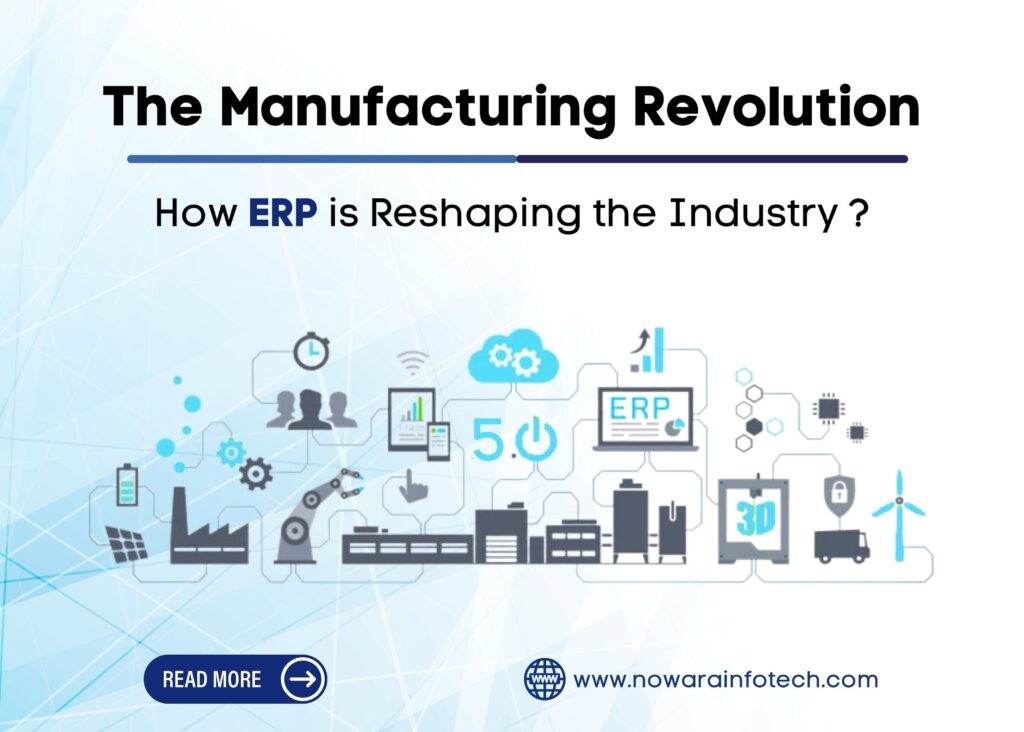
Let’s dive into the world of manufacturing, where things are not always a walk in the park. Manufacturers often find themselves stuck in a jam, dealing with problems like too much manual work, a jumbled mess of data, making decisions with one hand tied behind their backs, growth pains, and the never-ending maze of rules they need to follow. It sounds tough, doesn’t it? In this era of Industry 4.0, manufacturers are increasingly turning to ERP solutions, and the results are nothing short of remarkable. Making Manufacturing Less of a Puzzle In manufacturing, things have gotten pretty complicated. There’s a lot of stuff to handle, and that can be a real headache. The headaches come in the form of doing too many things by hand, struggling to find data, being unsure about the right decisions, and growing too fast for your good. Plus, there are all those rules to follow. But there’s good news! ERP is here to help you solve these puzzles and make manufacturing smoother. How ERP Transforms Manufacturing Think of ERP systems as magic wands for manufacturing. They can make things happen. With ERP, we can stop doing so much stuff manually. It takes all the scattered data and puts it in one place so we can understand things better. It also helps us grow without all the growing pains. And, it’s like a guide through the maze of rules we need to follow. Believe it or not, 95% of companies that use ERP see big improvements. The Power of Automation You might be wondering, “What’s the soul of ERP?” It is the automation. Manufacturing ERP gives you the power of automation, which means you can do things faster and better. There’s an automation level for everyone – whether you want to do some things automatically or everything. And guess what? Automation not only saves money but also makes you better at what you do. It is like having a magic helper in your manufacturing journey. Embrace the Future The manufacturing revolution is here, and it’s offering answers to all those challenges. ERP systems are the heroes, making things easier and smarter. If you’re a manufacturer ready to take on these challenges, it’s time to embrace ERP, start thinking about new ideas, and shape the future of manufacturing. These benefits make ERP systems invaluable for the manufacturing industry, enabling companies to thrive in a highly competitive market. Visit us here for the best manufacturing ERP: http://nowarainfotech.com/ Join Hands with Nowara Infotech – Your ERP Solution Partner Nowara Infotech is like your manufacturing sidekick. They know all about ERP solutions and are certified partners of Microsoft. They have the tools you need to streamline your manufacturing business. So, do not wait around; get in touch with them today and start your manufacturing ERP journey. Your manufacturing future begins right here!

Microsoft Dynamics NAV to Business Central

Why Migrate from Microsoft Dynamics NAV to Business Central?

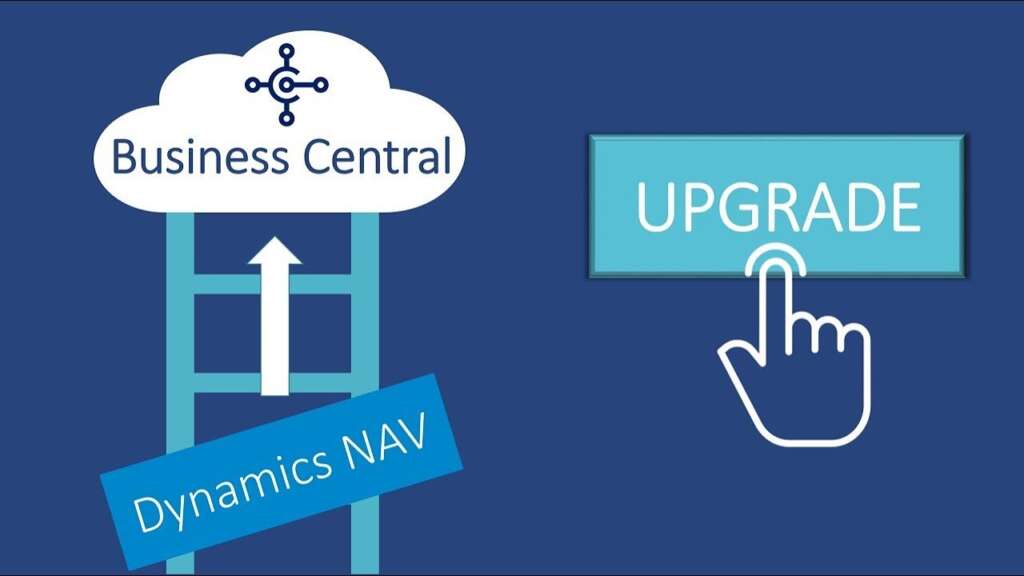
Change, as they say, is the only constant. In the world of enterprise resource planning (ERP) systems, this holds truer than ever. Microsoft Dynamics NAV has been a dedicated companion, managing financials, supply chains, and operations for countless businesses. But as technology moves forward, the need to transition to a more agile and future-ready solution becomes increasingly evident. Now let’s explain why migrating from Microsoft Dynamics NAV to Microsoft Dynamics 365 Business Central is a strategic move your business should consider. The Dynamics of Change: Understanding the Shift to Business Central Before we know why you should migrate, let’s acknowledge the legacy of Microsoft Dynamics NAV. It has been a reliable companion for countless businesses, handling financials, supply chains, and operations with finesse. It’s a system many of us have grown to love, and understandably so. But, as technology advances and businesses seek greater agility and scalability, change becomes inevitable. The winds of change are blowing, and Business Central is the ship you want to board. Microsoft Dynamics 365 Business Central’s ERP advantages are below: Embracing the Cloud Revolution One of the most significant advantages of Business Central is its cloud-native architecture. It’s not just a fancy buzzword; it’s a game-changer. No more worrying about server maintenance or downtime. With Business Central in the cloud, you get the flexibility to access your data and tools from anywhere, at any time. A Unified Experience Business Central brings your business processes together in a unified, end-to-end solution. Finance, sales, service, and operations – all seamlessly integrated and simplified. This means you have a 360-degree view of your business, enabling smarter, data-driven decisions. Future-Proofing Your Business In the world of tech, what’s cutting-edge today might be outdated tomorrow. Business Central is designed with the future in mind. You will receive regular updates and enhancements, ensuring your system stays relevant and capable of adapting to the latest technology trends. App Ecosystem and Scalability Microsoft Dynamics 365 Business Central boasts a vibrant app ecosystem. Need customized functionality? There’s probably an app for that. As your business expands, Business Central scales with you, accommodating new users, locations, and complexities effortlessly. Making the Move Overall, the idea is how do you make the move from Dynamics NAV to Business Central? It starts with a thoughtful migration plan with an experienced company by your side. Consider your unique business needs, data migration, and user training. Don’t worry; you don’t have to go it alone. The right partner can make the transition smooth and painless. Way Forward with Nowara Infotech Change is never easy, especially when you have a trusted companion like Microsoft Dynamics NAV. But remember, Business Central isn’t just change; it’s progress—a positive change. It’s your ticket to a more agile, connected, and future-ready business. So, take that leap and harness the future with Microsoft Dynamics 365 Business Central. Your business will thank you for it, and your peace of mind will let you work on the things that matter most. Start a transformative journey for your business with Nowara Infotech! Our customized ERP migration services ensure a smooth shift from Microsoft Dynamics NAV to Business Central. Begin this exciting journey today and discover the profound effects of modernization. There’s no need to wait—unlock enhanced efficiency, agility, and growth opportunities for your business. Join forces with us now and witness your business’s growth powered by Business Central. Contact us now!

LS Central is the Best Retail POS System

Top 10 Reasons Why LS Central is the Best Retail POS System on the Market

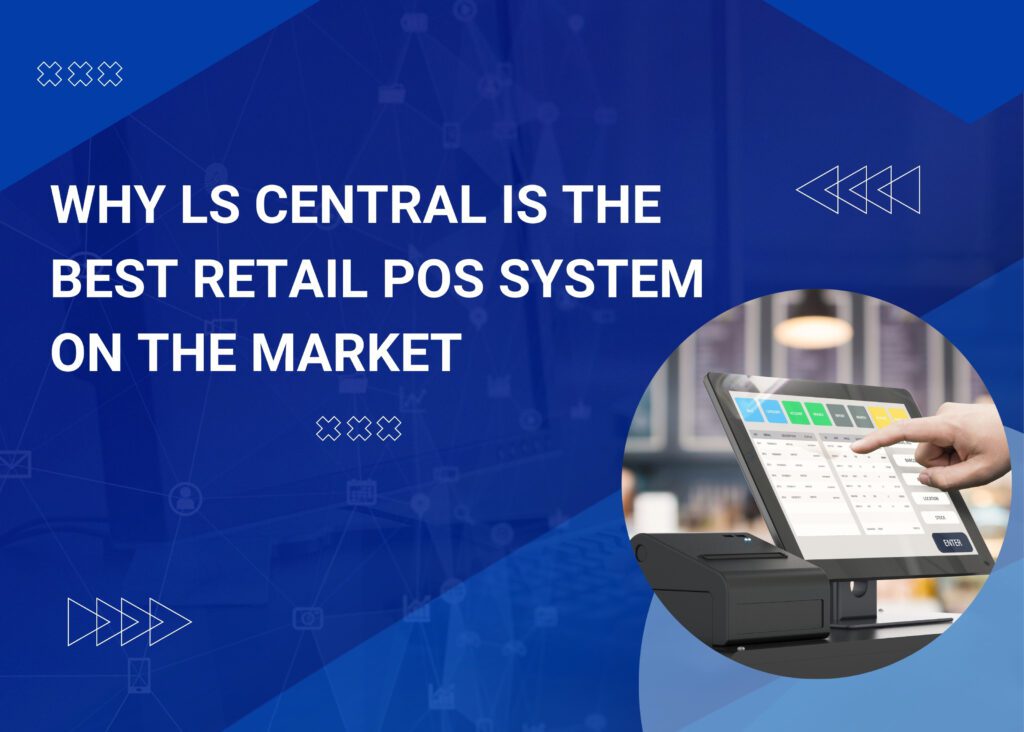
With a team of experienced professionals and a client-centric approach, Nowara Infotech has been delivering innovative and reliable ERP and CRM solutions to businesses across various industries for over a decade. Our focus on quality, efficiency, and customer satisfaction has helped us establish a reputation as a trusted provider of cutting-edge technology solutions. LS Central is a point-of-sale (POS) system that provides comprehensive retail management solutions for businesses of all sizes. It is a robust and flexible system that can handle a wide range of retail operations, from inventory management to customer engagement.  LS Central is the best retail POS system on the market: 1. Customizable interface: LS Central allows you to customize the POS interface to suit your business needs. You can add or remove fields, adjust the layout, and even change the color scheme to match your brand. 2. Scalability: LS Central can be scaled up or down to meet the needs of any business, from small retailers to large chains. It can handle multiple stores, languages, and currencies, making it a versatile solution for any business. 3. Robust inventory management: LS Central offers advanced inventory management features, including real-time inventory tracking, automated stock replenishment, and intelligent purchasing. 4. Easy integration: LS Central integrates seamlessly with other business applications, such as accounting software, CRM, and e-commerce platforms. This allows for a streamlined business process and eliminates the need for duplicate data entry. 5. Multi-channel sales: LS Central enables businesses to sell through multiple channels, including in-store, online, and mobile. It also supports omnichannel operations, allowing customers to shop seamlessly across different channels. 6. Customer engagement: LS Central offers powerful customer engagement features, including loyalty programs, customer profiling, and targeted marketing campaigns. This helps businesses to build lasting relationships with their customers and drive sales. 7. Real-time analytics: LS Central provides real-time analytics and reporting, giving businesses insight into their operations and enabling them to make informed decisions. 8. Easy to use: LS Central is easy to set up and use, with an intuitive interface that requires minimal training. This makes it an ideal solution for businesses of all sizes, regardless of technical expertise. 9. Secure and reliable: LS Central is a secure and reliable solution that meets industry standards for data protection and compliance. It also offers 24/7 support, ensuring that businesses can always rely on their POS system. 10: Microsoft Dynamics 365 platform: LS Central is built on the Microsoft Dynamics 365 platform, which means it benefits from the latest in technology advancements and is backed by a global network of partners and developers. LS Central is the best retail POS system on the market because it offers a customizable interface, scalability, robust inventory management, easy integration, multi-channel sales, customer engagement, real-time analytics, ease of use, security, and reliability. With LS Central, businesses can streamline their operations, improve their customer engagement, and drive sales. Contact Nowara Infotech, a leading ERP provider and certified Microsoft Partner, to learn more about how we can help you implement the best POS system on the market. Let’s grow your business together.

business-processes

How LS Central POS System can help businesses streamline operations and boost sales

LS Central is a cloud-based Point of Sale (POS) system designed for businesses to manage their sales, inventory, and customer data in one place. This system is ideal for businesses that want to streamline their operations and boost sales. In this blog, we will discuss how LS Central can help businesses achieve their goals and how Nowara Infotech, a leading ERP solution provider, can help businesses implement this system. Streamlining Operations: LS Central can help businesses streamline their operations by simplifying tasks such as inventory management, customer data management, and sales reporting. The system provides real-time updates, which means that businesses can always know what’s happening in their stores. This can help businesses make better decisions, reduce errors, and improve customer satisfaction. Inventory Management: Inventory management is a critical aspect of any business. With LS Central, businesses can manage their inventory in real-time. This means that they can track inventory levels, set reorder points, and automate the ordering process. LS Central also provides inventory reports that help businesses understand their inventory turnover rates, which can help them make better decisions about what products to stock. Customer Data Management: LS Central helps businesses manage their customer data by providing a centralized database where businesses can store customer information. This information can include customer contact information, purchase history, and loyalty program data. This centralized database makes it easy for businesses to access customer data, which can help them personalize their marketing campaigns and improve customer satisfaction. Sales Reporting: LS Central provides businesses with detailed sales reports that help them understand their sales performance. These reports can include sales by product, sales by store, and sales by employee. These reports help businesses identify trends, track performance, and make data-driven decisions. Boosting Sales: LS Central can help businesses boost sales by providing them with the tools they need to optimize their operations and improve customer satisfaction. Here are a few ways LS Central can help businesses boost their sales. Omni-Channel Retailing: LS Central supports omni-channel retailing, which means that businesses can sell their products through multiple channels, such as in-store, online, and mobile. This can help businesses reach more customers and increase sales. Loyalty Programs: LS Central supports loyalty programs, which can help businesses retain customers and increase sales. With LS Central, businesses can create and manage their loyalty programs, track customer loyalty, and reward loyal customers. Real-time Analytics: LS Central provides businesses with real-time analytics that help them make data-driven decisions. These analytics can include sales data, inventory data, and customer data. By analyzing this data, businesses can identify trends, optimize their operations, and improve customer satisfaction. LS Central is an ideal POS system for businesses that want to streamline their operations, boost sales, and improve customer satisfaction. Nowara Infotech is the best ERP solution provider, that can help businesses implement this system and provide ongoing support. With Nowara Infotech’s LS Central ERP businesses can achieve their goals and grow their businesses.